AVOMA LIFE / SURGICAL VISUALISATION
Neurosurgery.
A connected view.
Explore screen-based surgical visualisation and plan the equipment around the room and team.
Explore below ↓
AVOMA LIFE / SURGICAL VISUALISATION
Explore screen-based surgical visualisation and plan the equipment around the room and team.
Explore below ↓SURGICAL VISUALISATION
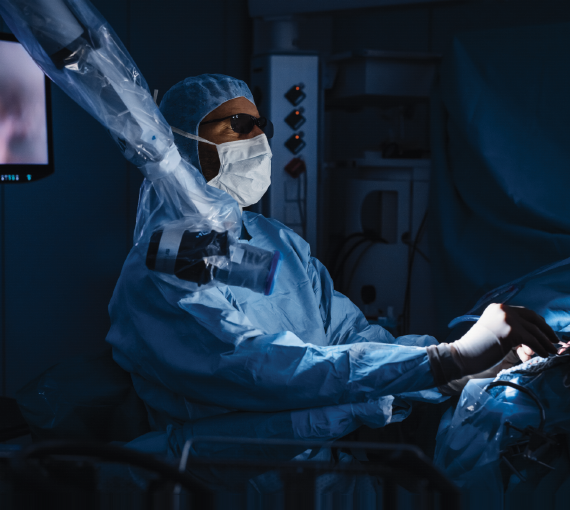
ORBEYE / 4K 3D
Olympus ORBEYE combines a 4K 3D camera on a flexible arm with screen-based surgical visualisation. Discuss the imaging configuration, screen placement and compatibility with the procedure and room.
Confirm the camera, observation modes and display configuration required for the proposed procedures.
Consider screen positions, equipment movement and the viewing requirements of the wider surgical team.
Discuss installation, training, documentation and technical support alongside the equipment.
Available configurations and local supply must be confirmed with Avoma. Manufacturer information describes the platform; it does not establish regional availability.
 Explore Avoma
 Solutions & support

 +268 2422 1804
 avoma@avomagroup.com
 Regional presence
 LinkedIn
 Facebook
 Instagram